Best Charging Stations for Multiple Devices of 2026
A multi-device charging station keeps phones, tablets, earbuds, watches, power banks, and sometimes laptops from fighting over the same two outlets.
We may earn a commission if you buy through links in this guide, at no extra cost to you.
Quick answer
Zobirez 750W 10-Port Charging Station is the best first pick here because it has the power headroom that many multi-device docks lack. If you want to spend less, look at Zobirez 420W 10-Port Charging Station. If your setup is more demanding, start with MSTJRY 5-Port Charging Station.
What to look for in a multi-device charging station
The right charging station depends on whether you need clean storage, fast USB-C charging, or just more outlets.
- Families need ports and cable organization.
- Laptop users need real USB-C wattage, not just many ports.
- Dorms and desks may need AC outlets plus USB charging.
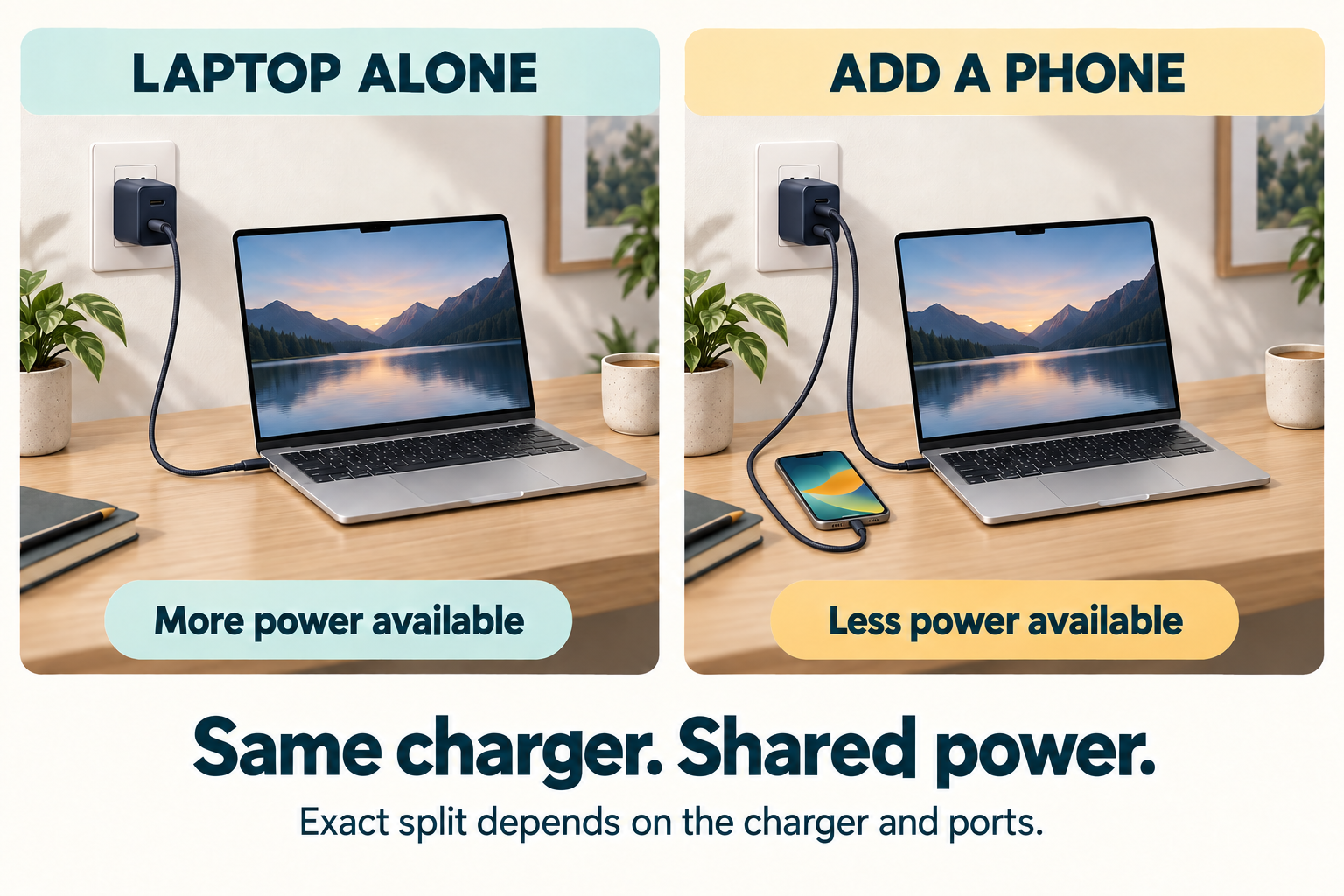
How to choose
Start with the devices you charge daily. Phones and tablets can use organizer docks, while laptops and tablets need higher-watt USB-C ports that can deliver meaningful power.
More ports are not always better. A good station should have enough total wattage, a safe layout, and short cables or dividers that keep the surface clean.
| Pick | Product | Best for | Why it makes sense | Watch-outs |
|---|---|---|---|---|
| Best high-power dock | Zobirez 750W 10-Port Charging Station | Laptops, tablets, and phone-heavy households. | It emphasizes five USB-C ports, five USB-A ports, and high total output, which matters more than just counting slots. | You only charge phones overnight. |
| Best family station | Zobirez 420W 10-Port Charging Station | Phones, tablets, and shared charging counters. | It combines 10 charging ports with dividers, making it more useful as an organizer than a plain wall charger. | You need mostly AC outlets instead of USB charging. |
| Best budget dock | MSTJRY 5-Port Charging Station | Basic phone and tablet charging. | It includes dividers and short cables, which can make it easier to clean up a nightstand or kitchen counter. | You want fast USB-C or laptop charging. |
| Best midrange USB-C station | 300W 8-Port USB-C Charging Station | Mixed USB-C and USB-A device piles. | It mixes multiple USB-C and USB-A ports with dividers and included short cables. | You need very high laptop charging wattage. |
| Best outlet tower | TESSAN Tower Power Strip with USB-C | Dorms, desks, and office corners. | It gives you many AC outlets, USB ports, individual switches, surge-protector positioning, and a long flat cord. | You want a tidy dock that holds phones upright. |
Recommended picks
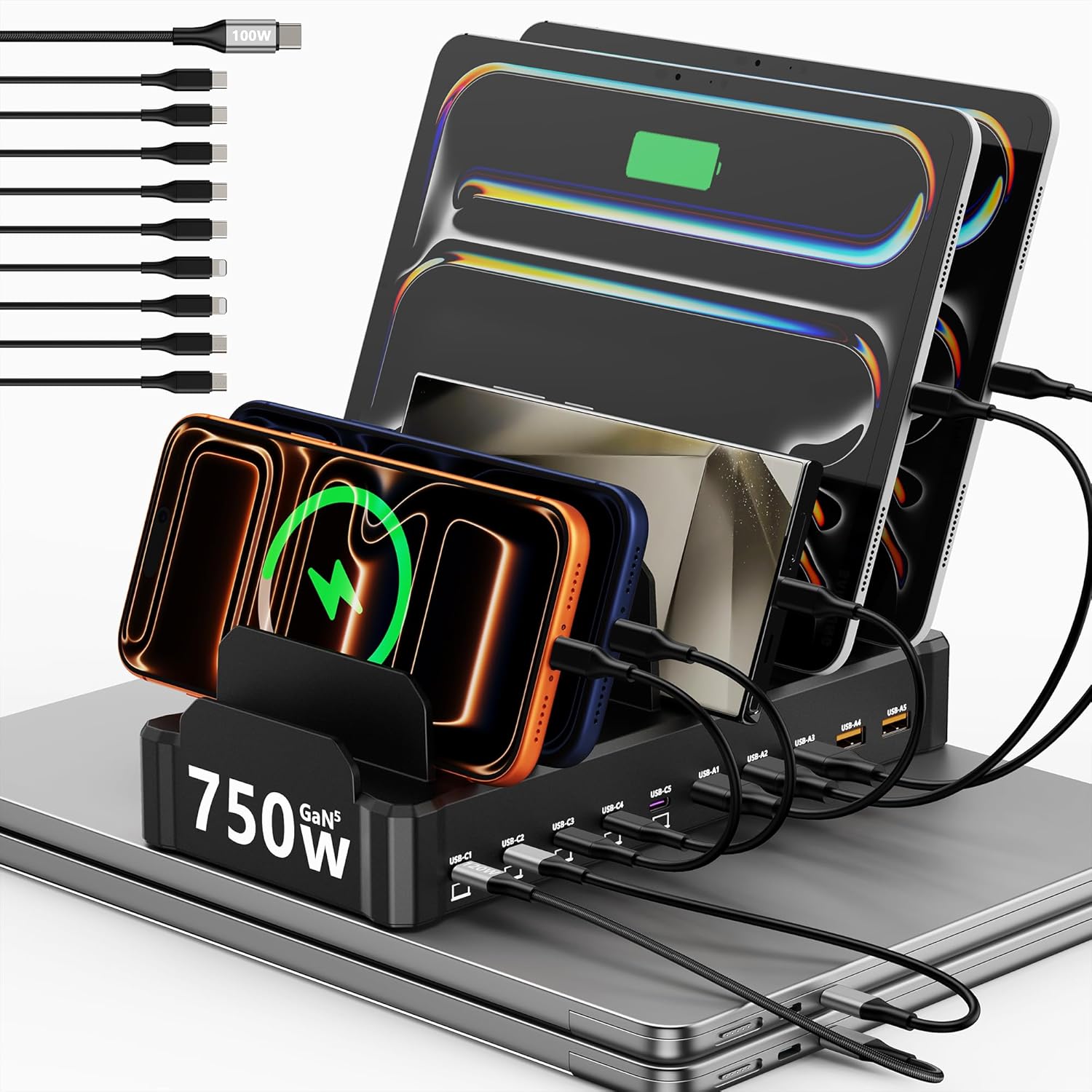 Best high-power dock
Zobirez 750W 10-Port Charging Station
A high-wattage desktop station for people who want several USB-C ports and enough power for more demanding devices.
Why we picked it: It emphasizes five USB-C ports, five USB-A ports, and high total output, which matters more than just counting slots.
Skip if: You only charge phones overnight.
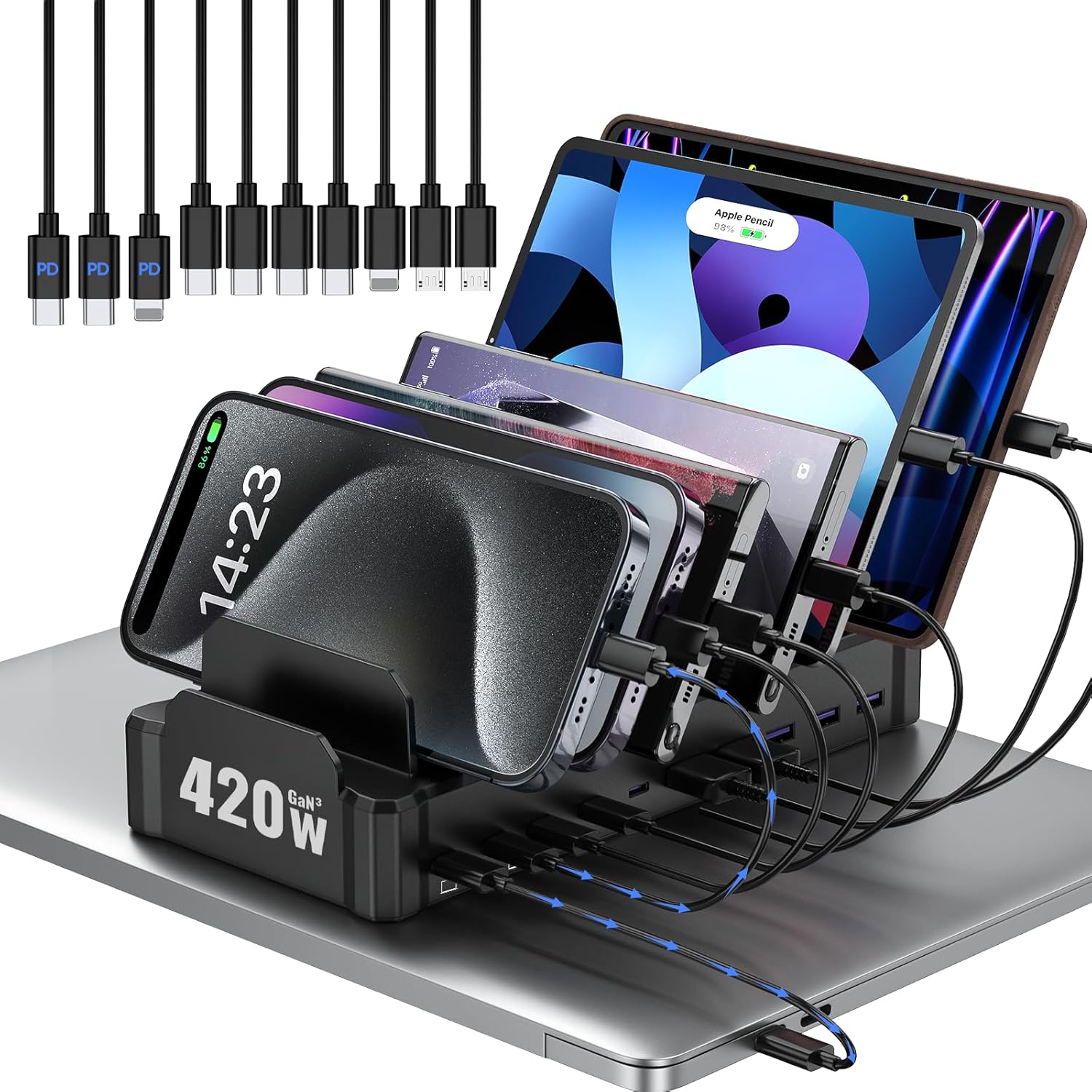 Best family station
Zobirez 420W 10-Port Charging Station
A multi-device organizer for families that need phones and tablets upright instead of scattered across a counter.
Why we picked it: It combines 10 charging ports with dividers, making it more useful as an organizer than a plain wall charger.
Skip if: You need mostly AC outlets instead of USB charging.
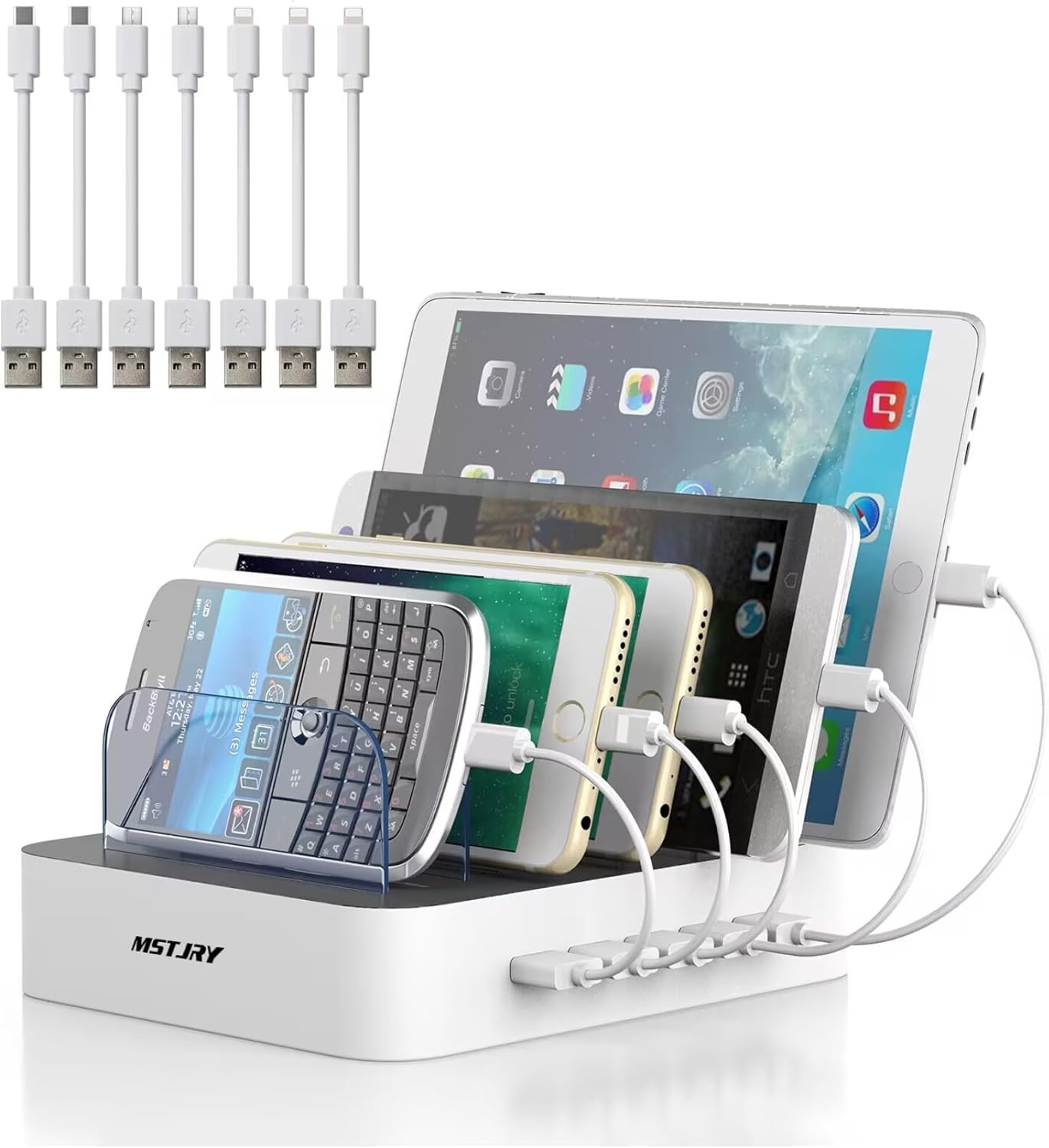 Best budget dock
MSTJRY 5-Port Charging Station
An inexpensive organizer dock for phones and small tablets.
Why we picked it: It includes dividers and short cables, which can make it easier to clean up a nightstand or kitchen counter.
Skip if: You want fast USB-C or laptop charging.
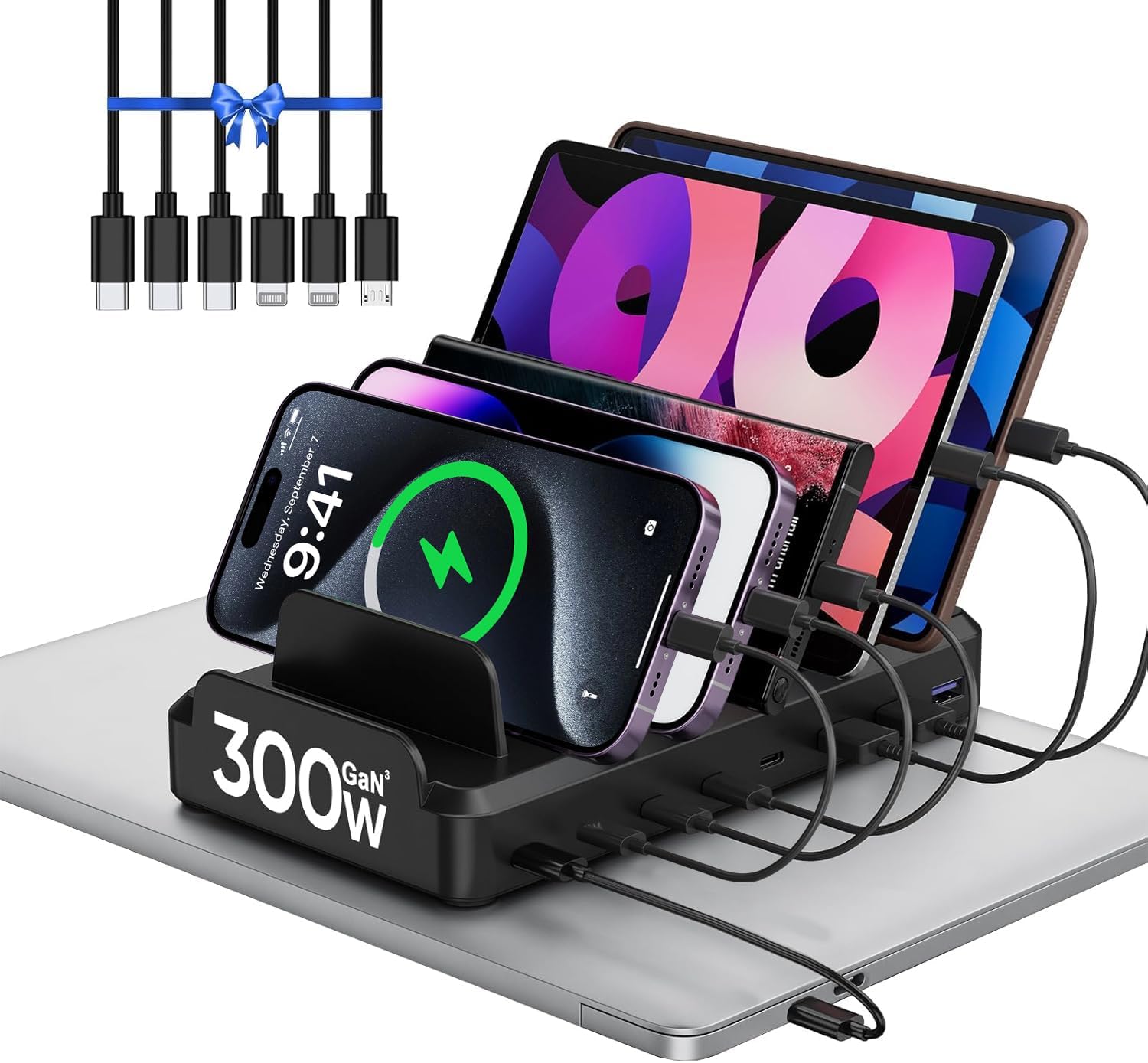 Best midrange USB-C station
300W 8-Port USB-C Charging Station
A practical middle option for households with newer phones, older cables, tablets, and small accessories.
Why we picked it: It mixes multiple USB-C and USB-A ports with dividers and included short cables.
Skip if: You need very high laptop charging wattage.
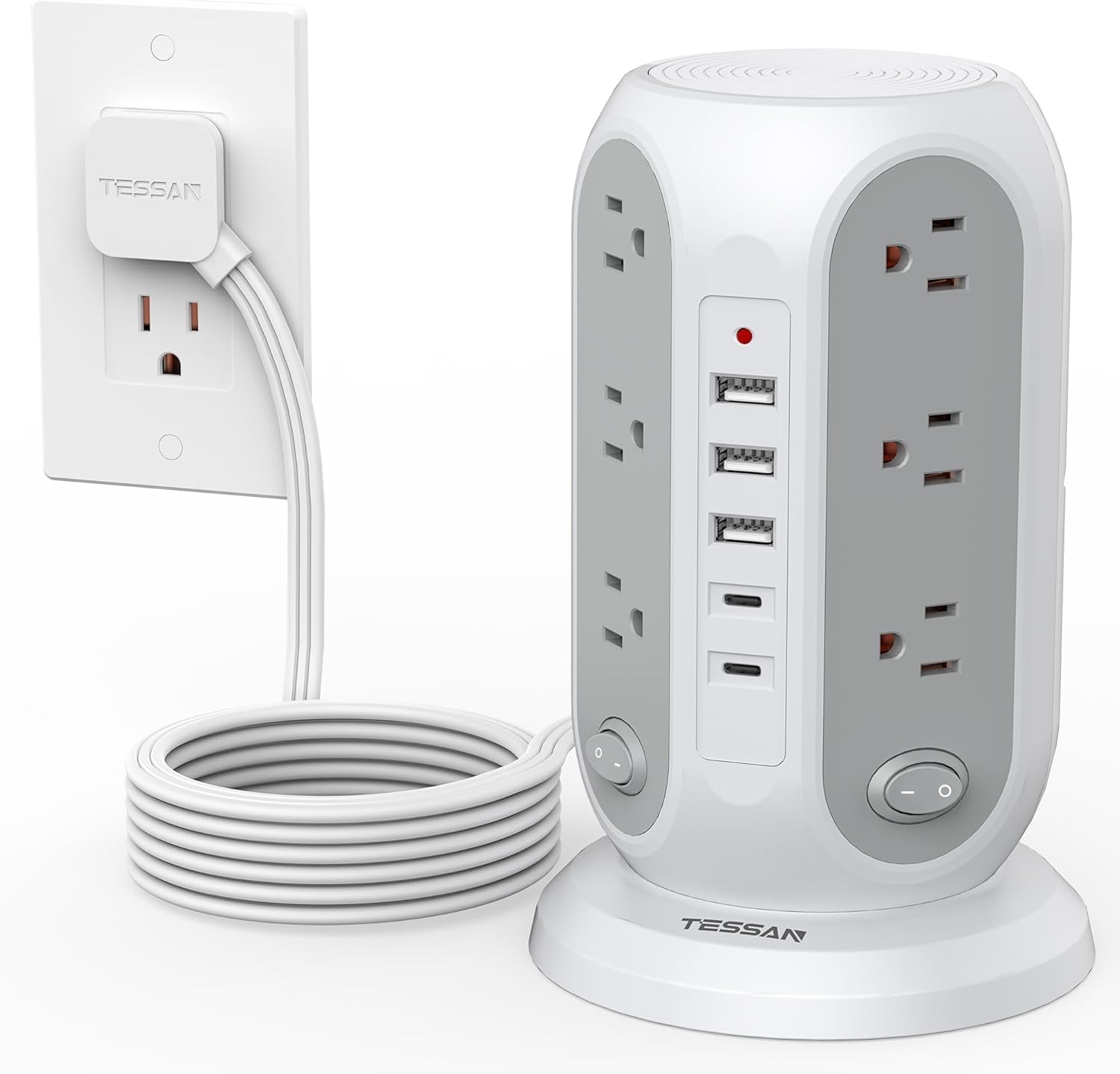 Best outlet tower
TESSAN Tower Power Strip with USB-C
A power tower for setups that need AC outlets and USB charging in one vertical unit.
Why we picked it: It gives you many AC outlets, USB ports, individual switches, surge-protector positioning, and a long flat cord.
Skip if: You want a tidy dock that holds phones upright.
What we look for
- Enough USB-C ports for modern phones and tablets.
- Clear total wattage and per-port wattage.
- Dividers or cable management if it will sit in a kitchen or family area.
- Surge protection or AC outlets if you also need a power strip.
What we would skip
- Stations with many low-power USB-A ports and no meaningful USB-C.
- Laptop charging claims without enough wattage.
- Tall power towers if you only need a tidy phone dock.
FAQ
What is the best charging station for multiple devices in 2026?
Zobirez 750W 10-Port Charging Station is the best first pick for most people. It has the power headroom that many multi-device docks lack.
How much wattage does a multi-device charging station need?
For phones and tablets, 60W to 120W total can be enough. If you want to charge laptops too, look for higher total power and at least one USB-C port that can deliver laptop-level wattage.
Is the cheapest option good enough?
A cheap station is fine for overnight phone charging. Spend more when you need fast USB-C, laptop charging, better dividers, or a cleaner family charging area.
How this guide was researched
I compared current Amazon listings, port count, USB-C support, total wattage, included cables, organizer dividers, AC outlets, and whether each station fits a clear charging setup.
Current deals in this category
See current power and charging deals.
When a second device slows charging
Use our multiport charger power-sharing guide to read the charger’s port-combination chart before replacing working gear.