Dash Cam Storage Calculator: How Much microSD Space Do You Need?
Use this as a practical starting point for choosing a high-endurance microSD card for a dash cam. Real recording time depends on bitrate, resolution, number of cameras, parking mode, and whether the camera records continuously or only saves events.
Quick answer
For a basic front-only 1080p dash cam, 64GB can be enough for light driving. For most front-and-rear setups, 128GB is a better starting point. For 4K, three-channel, rideshare, or parking-mode setups, start at 256GB if the camera supports it.
More cameras and parking mode fill a card faster
The storage decision starts with your camera layout and recording mode. A front-only commuter camera needs less room than a multi-channel system that records while the car is parked.
Estimated recording time
| Setup | 64GB | 128GB | 256GB | Better default |
|---|---|---|---|---|
| Front-only 1080p | About 8-12 hours | About 16-24 hours | About 32-48 hours | 64GB or 128GB |
| Front-and-rear 1080p | About 4-8 hours | About 8-16 hours | About 16-32 hours | 128GB |
| Front 4K plus rear 1080p/2K | About 3-5 hours | About 6-10 hours | About 12-20 hours | 256GB |
| Three-channel dash cam | About 3-6 hours | About 6-12 hours | About 12-24 hours | 256GB |
| Parking-mode focused setup | Usually too small | Okay for light use | Better starting point | 256GB if supported |
Simple sizing rule
- 64GB: fine for a simple front-only camera or short daily drives.
- 128GB: the safer default for most front-and-rear dash cams.
- 256GB: better for 4K, three-channel, rideshare, road trips, and parking-mode use.
- 512GB or SSD support: useful only if your dash cam officially supports it and you want lots of overwritten loop-recording headroom.
What changes the number?
Resolution, bitrate, frame rate, compression, number of cameras, HDR mode, and parking-mode behavior all change recording time. Two cameras do not always use exactly twice as much space, but a front-and-rear setup usually needs more storage than a front-only camera. A high-bitrate 4K camera can eat through storage quickly.
What kind of card should you buy?
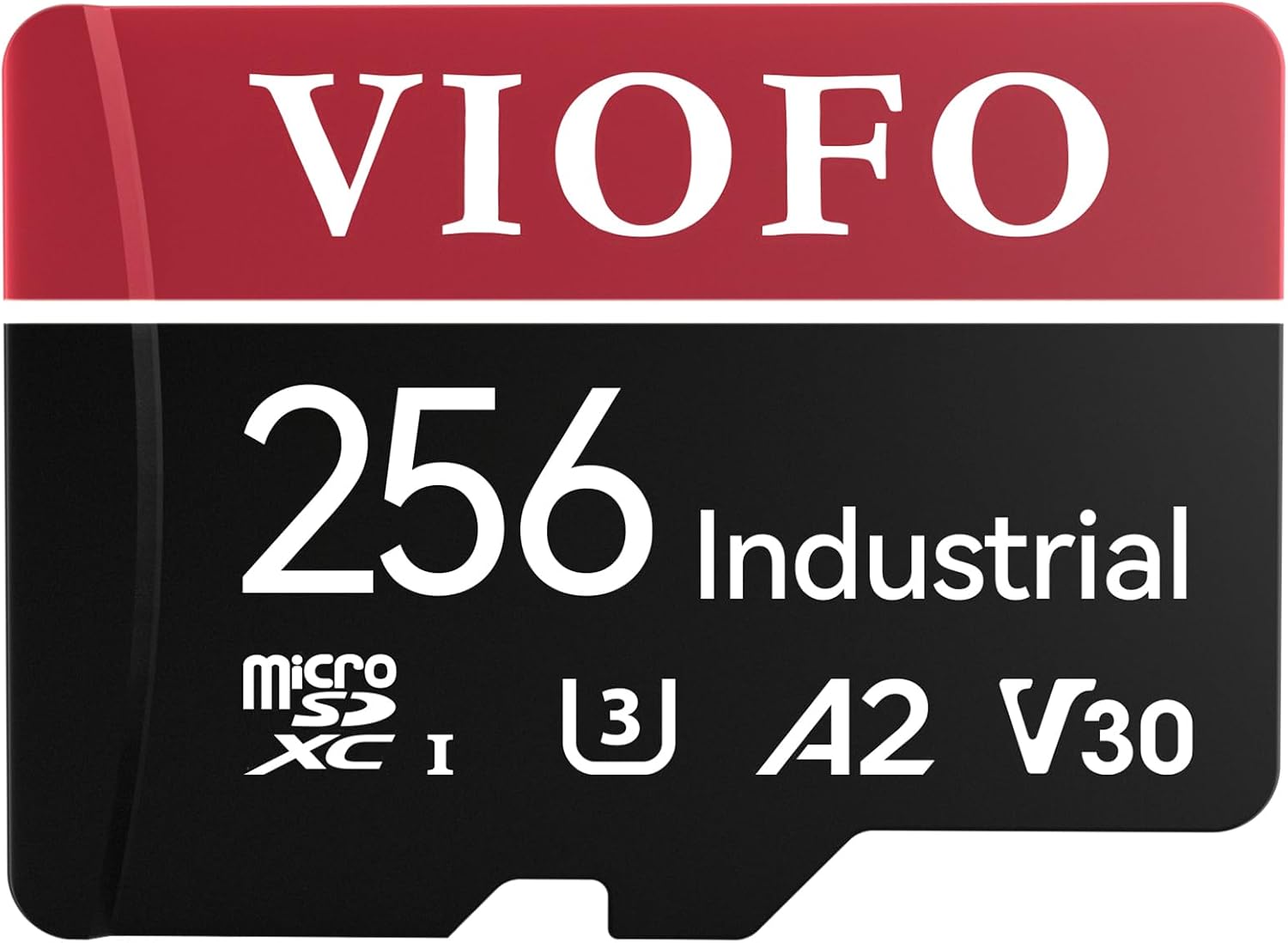
Use a high-endurance microSD card from a reputable brand and stay within the dash cam manufacturer’s supported capacity. Avoid random ultra-cheap cards, old cards from other devices, and cards that are not rated for continuous video recording.
Best next step
If you are still choosing the camera itself, start with our best dash cameras guide. If you already know the dash cam model, check its maximum supported card size before buying storage.
How this was estimated
These are practical ranges, not exact promises. Dash cam brands use different bitrates and compression settings, so the final number should come from the camera’s manual or app when available.
Choose an endurance-rated card
Capacity is only half the decision. For the actual card model, see the best microSD cards for dash cams guide so you do not pair a good dash cam with unreliable storage.
Current deals in this category
See current car gear deals.